Your photos, already at home.
Browse folders and your macOS photo library. Keep matching RAW and JPEG or HEIF files together with optional paired display.
PHOTOGRAPHY / MAC / RAW
A Mac photo editor that keeps your photos in focus.
Compare similar frames. Find the one worth keeping. Shape its light and color. ShinG3Genzo brings culling, RAW development, and export into one workflow.
THE WORKFLOW
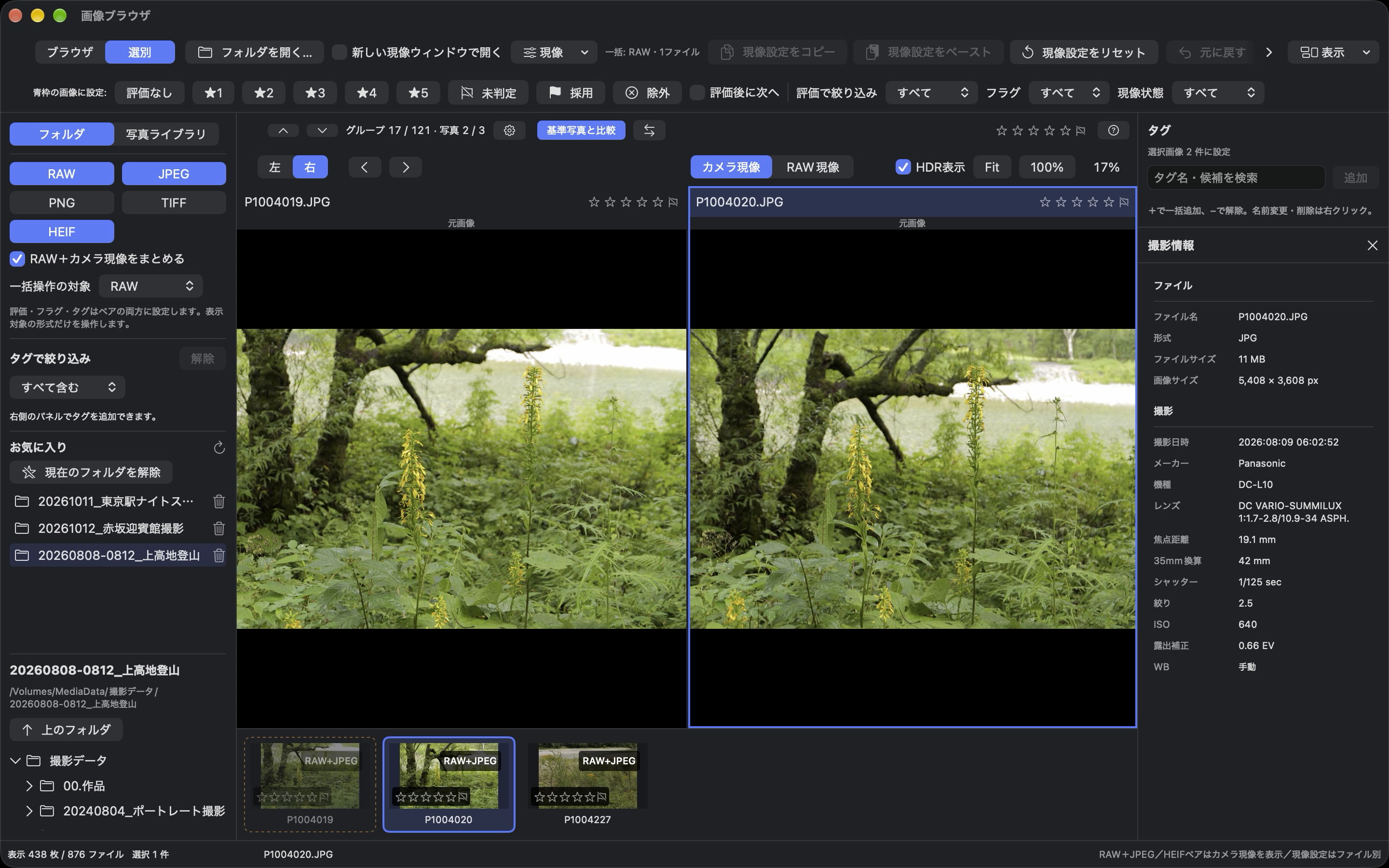
01 / SELECT
Automatically group similar photos, then adjust Similarity to broaden or narrow the groups. Pin a reference and compare subtle differences in composition and expression.
Up / Down for groups · Left / Right for photos · Ratings, flags & tags
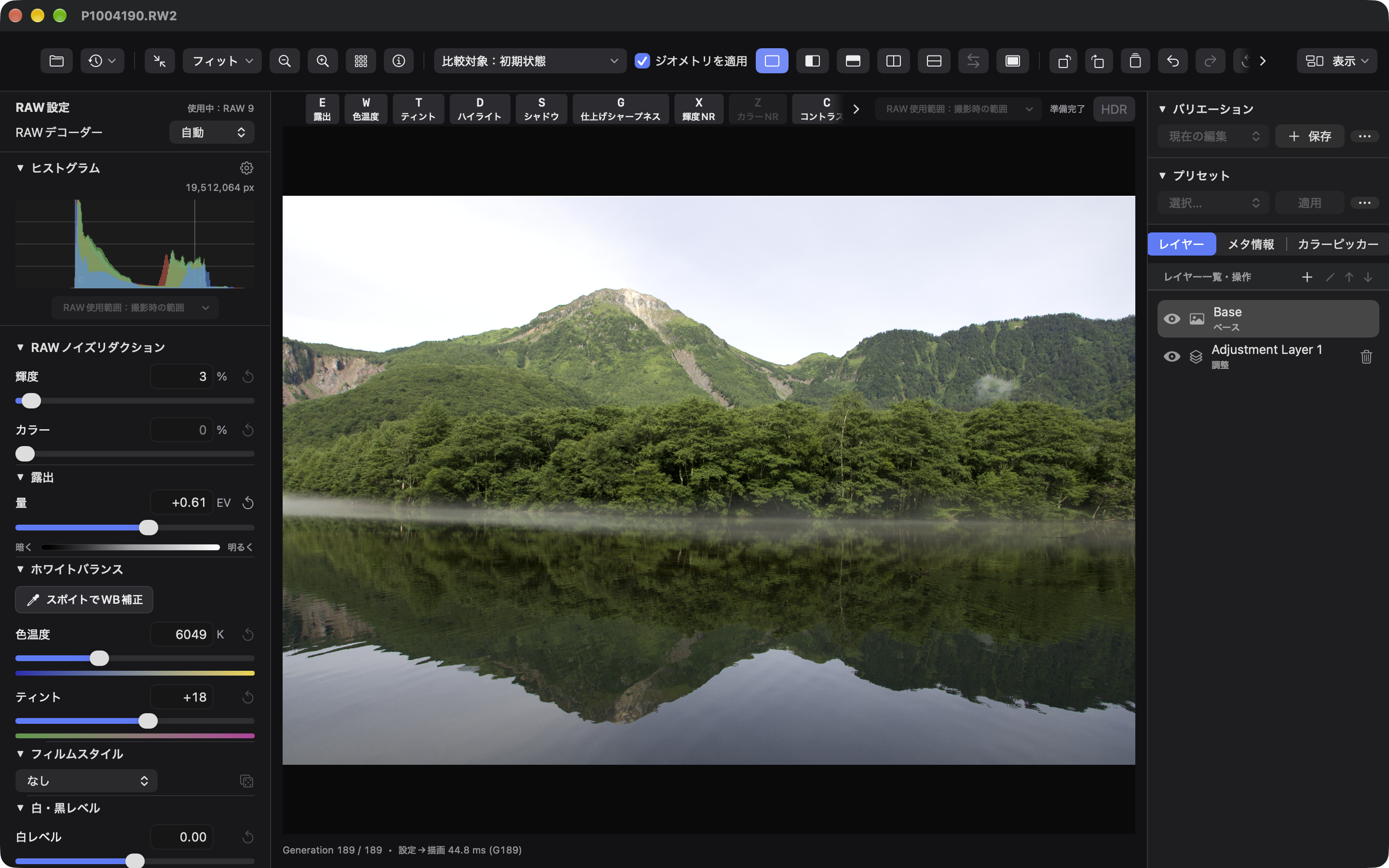
02 / DEVELOP
Exposure, white balance, tone curves, HSL, and color grading. Refine selected areas with adjustment layers and masks. Save your edits without changing the original image.
RAW / JPEG / PNG / TIFF / HEIF
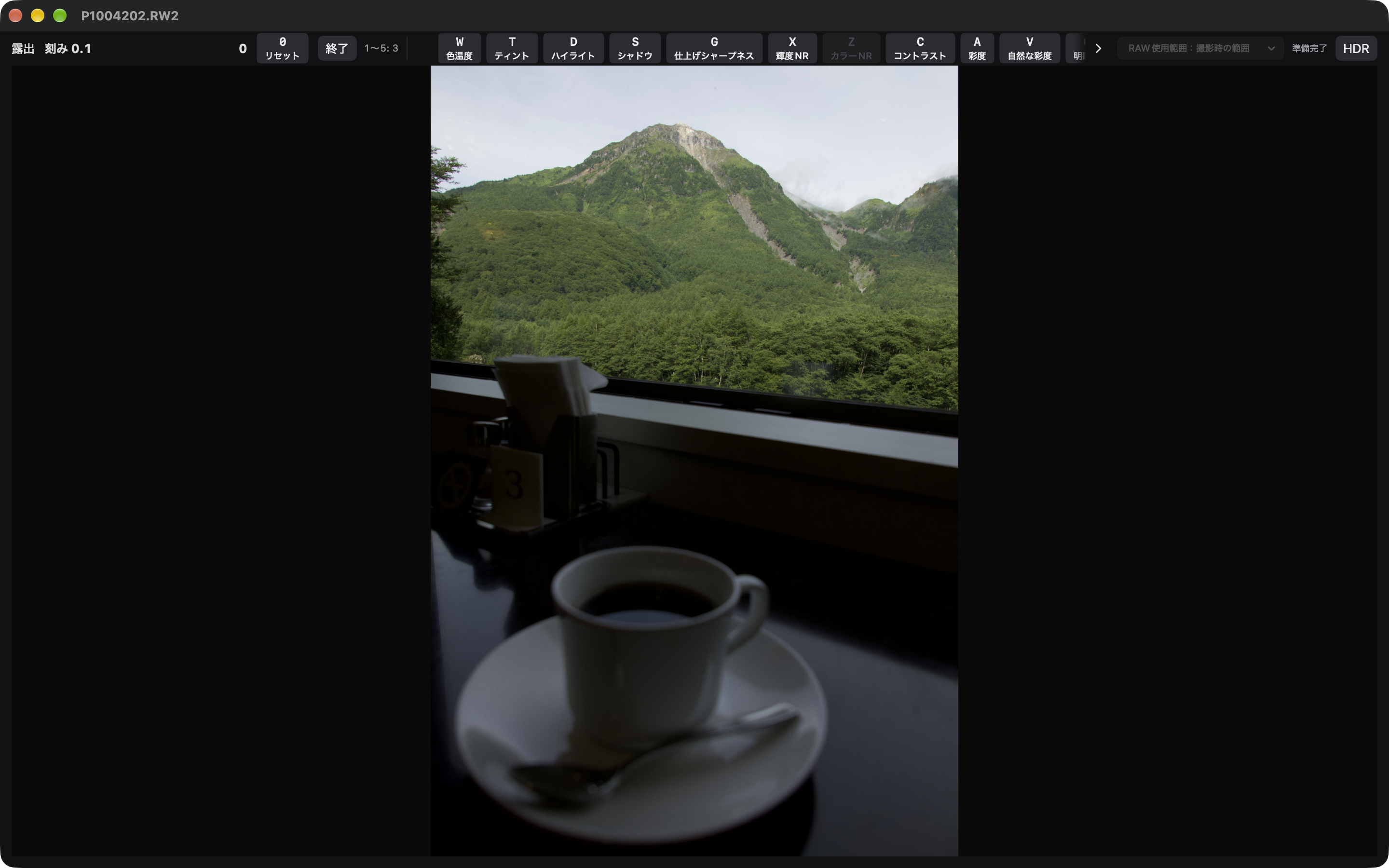
03 / SUPEREDIT
Call up an adjustment with a key, then change its value with arrow keys or the mouse wheel. Spend less time reaching for sliders and more time looking at your photo.
A focused workflow with your keyboard and mouse
Browse folders and your macOS photo library. Keep matching RAW and JPEG or HEIF files together with optional paired display.
Export JPEG, PNG, TIFF, or HEIF. Choose size, color space, metadata, and a text signature. Add finished images to your photo library.
14-DAY FREE TRIAL / ONE-TIME PURCHASE
Try the workflow, including export, with a 14-day free trial. Unlock the full version with a one-time purchase. No subscription.
The App Store link is coming soon.
The trial does not automatically charge you when it ends. Browsing, editing, and saving development settings remain available before and after the trial. Export requires an active trial or the full version. See the app for pricing.
Requires macOS 26.5 or later. RAW support varies by camera model and macOS version. Transparency and multi-frame or multi-page images are not supported for editing. View and edit supported HDR images and preview RAW in HDR. Exports default to SDR; HEIF HDR (PQ) is also available.